40% OFFOur winter sale is on! We're giving everyone 40% off their new server at checkout!
 Sons Of The ForestGuide
Add mods from sotf-mods.com on your server's Mods card, then restart. Each mod is tested on a real Sons of the Forest server before it can reach yours, and…
Add mods from sotf-mods.com on your server's Mods card, then restart. Each mod is tested on a real Sons of the Forest server before it can reach yours, and Haptic turns on RedLoader, the game's mod loader, for you. Mods you have as files go into the sotf-mods folder with Files or SFTP, with RedLoader (mods) switched on in your settings.
Open My Servers, open your Sons of the Forest server, and go to the Mods card.
Search for the mod and add it. Mods it depends on come with it.
Restart the server. RedLoader loads the mod at the start.
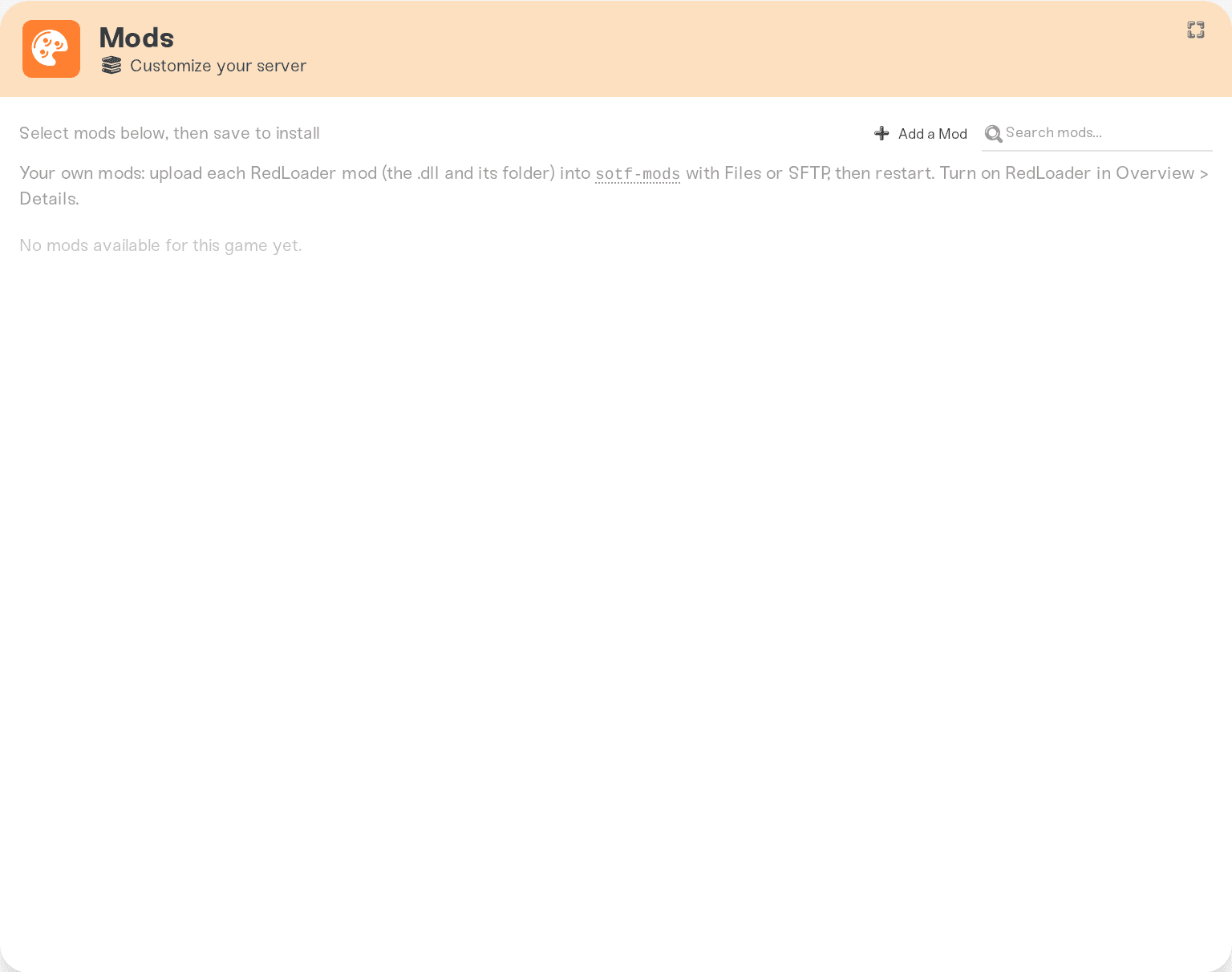
Only mods made to run on a server can load on one. The card says so for a mod that runs only on players' PCs, and why it can't be added. To remove a mod, remove it on the Mods card and restart.
Turn on RedLoader (mods) in your server settings.
With Files or SFTP, upload the mod's .dll and its folder from the zip's Mods folder into sotf-mods. If the zip has a Libs folder, upload what is in it into sotf-libs.
Restart the server.
A mod's settings file appears in sotf-modconfig after its first start. Edit it there while the server is stopped.
Mods that only run on the server work for everyone who joins, with nothing to install. Players need RedLoader and the same mods on their own PC for mods that change the game for them.
The server list name. While RedLoader runs, the Steam server list shows your server as [MODDED] <name>, so keep the name short.
The first start. The first start with RedLoader takes longer while RedLoader prepares itself. Later starts are quick again.
Why a mod did not load. RedLoader's logs are copied into sotf-loader-logs at every start, and they name the mods that loaded and the reason for any that did not.
Deleting a Mods card mod's files in Files. The next start puts them back. Remove the mod on the Mods card.
Uploading a mod made for players' PCs. RedLoader refuses it on a server.
Ask in Discord or email support@haptic.gg with the mod's name and the newest file in sotf-loader-logs.
 © Haptic, LLC
*40% off applies automatically at checkout for your first month. Ends November 22, 2026.


