40% OFFOur winter sale is on! We're giving everyone 40% off their new server at checkout!
 Garry's ModGuide
Garry's Mod and its addons save as they go, so there is no save timer to set. Stopping or restarting your server from the dashboard, and going to sleep on…
Garry's Mod and its addons save as they go, so there is no save timer to set. Stopping or restarting your server from the dashboard, and going to sleep on Wake & Play, shut the game down cleanly. Haptic backs up the world every time the server stops, and you can restore any backup from the Backups card.
A Garry's Mod server keeps its progress in two places inside garrysmod:
sv.db is the server's database. The game and addons such as DarkRP and TTT write player data to it, like money, RP names and karma, and admin mods like ULX keep their tables there. A write lands in the file at once.
The data folder holds Sandbox's saved props (data/persist) and the files addons keep for themselves.
When you press Stop or Restart, or a Wake & Play server goes to sleep, Haptic tells the game to quit, so it runs its own shutdown steps before the server goes down. Each backup takes a safe copy of sv.db while the game is running, so a backup never catches the database half written.
Open your Garry's Mod server and power it down.
Open the Backups card, pick the backup you want and click Restore.
Start the server again.
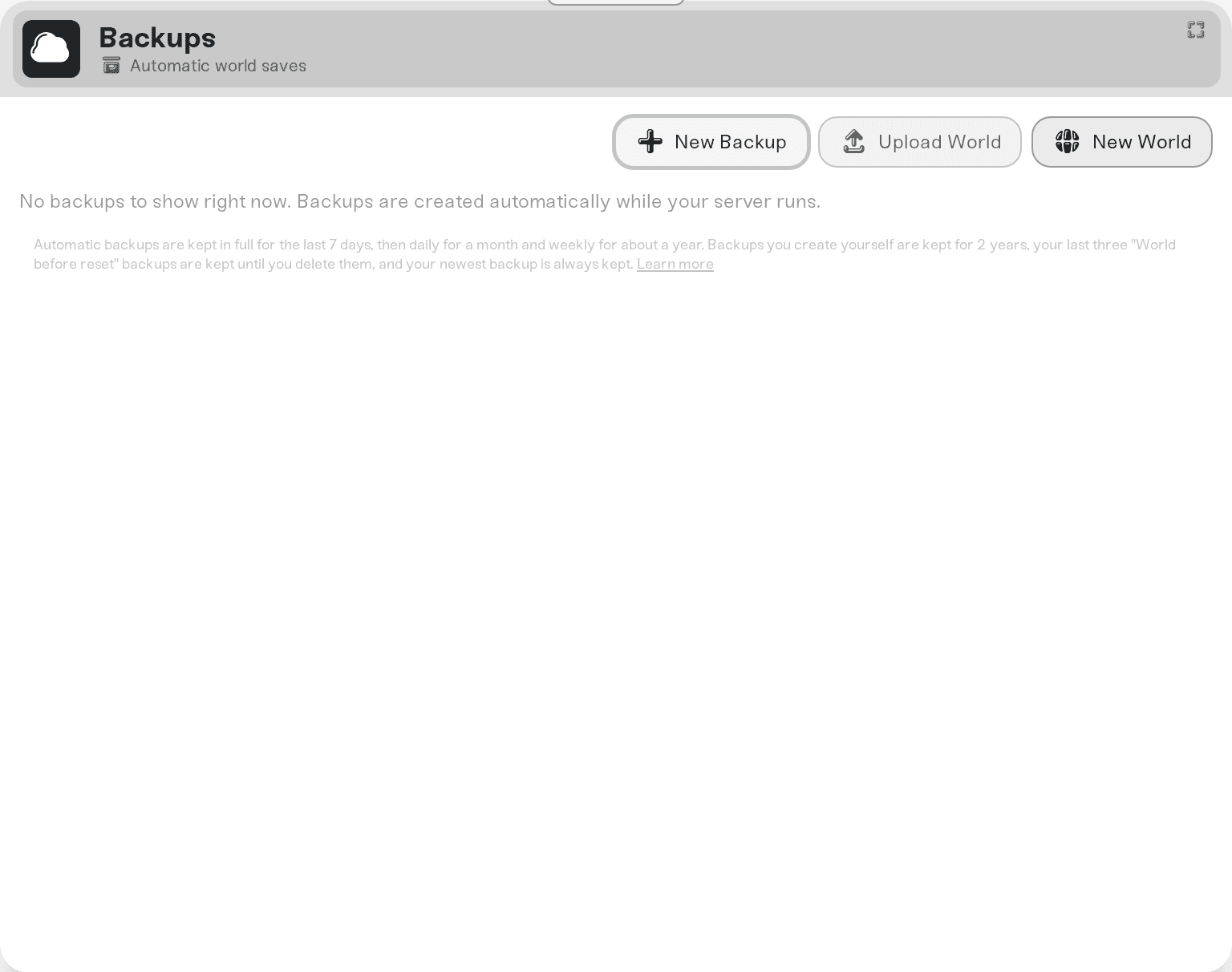
Press New World on the Backups card, then press and hold Start New World. On Garry's Mod only player progress is cleared, at the next start: saved player data such as TTT karma, DarkRP money and RP names, and Sandbox's saved props. Your settings, cfg files, admins, bans, mods, maps and DarkRP door and spawn setups stay, and your current world is saved as a backup first.
To reset one addon instead, delete its folder in garrysmod/data with Files.
To bring a world from your own PC or another host, follow Garry's Mod: Move Your World to Your Server.
Ask in Discord or email support@haptic.gg with your server's name and roughly when the progress went missing.
 © Haptic, LLC
*40% off applies automatically at checkout for your first month. Ends November 22, 2026.


