40% OFFOur winter sale is on! We're giving everyone 40% off their new server at checkout!
 Voyagers Of NeraGuide
Upload the mod's .pak file, with its .utoc and .ucas files if it has them, into install/voyagers-of-nera/BoatGame/Content/Paks/~mods with the Files card or…
Upload the mod's .pak file, with its .utoc and .ucas files if it has them, into install/voyagers-of-nera/BoatGame/Content/Paks/~mods with the Files card or SFTP, then restart the server. The developer does not officially support mods, so a game update can stop a mod from working.
Download the mod's files to your computer, for example from Nexus Mods. A mod is a .pak file, sometimes with a .utoc and a .ucas file of the same name.
Open your Voyagers of Nera server. On the Mods card, click Open the mods folder, or open Files (or connect with SFTP) and go to install/voyagers-of-nera/BoatGame/Content/Paks/~mods.
Upload the mod's files there, all of them side by side.
Restart the server. The game loads every .pak in ~mods when it starts.
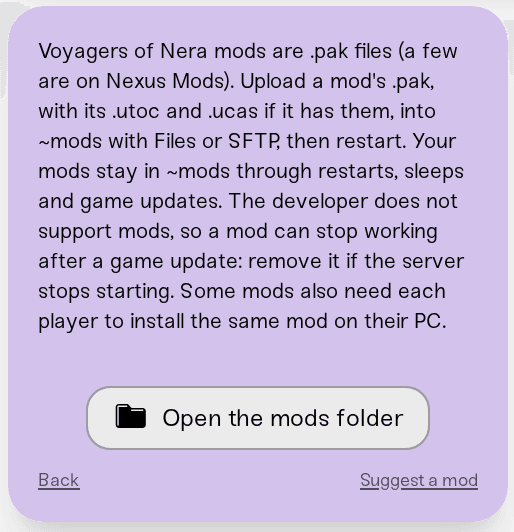
Your mods stay through restarts, Wake & Play sleeps and game updates. Some mods also need every player to install the same mod on their own PC; the mod's page says whether it does.
After the restart, open the Console and search for the mod's file name. A line with Mounted Pak file and that name means the server loaded it.
Power the server down, delete the mod's files from ~mods in Files, and start the server again. A file you delete while the server is stopped stays deleted.
Putting the .pak in the main Paks folder or next to your world. The main Paks folder belongs to the game itself and is protected, and a mod next to your world is never loaded. Mods go in ~mods, and Files reminds you if you upload one at the top of your files or next to your world.
Renaming the files. Keep the author's file names, and keep the .pak, .utoc and .ucas of one mod named the same.
Keeping a mod after a game update breaks it. If the server stops starting after an update, remove the newest mod first and start again, then check the mod's page for an updated version.
Ask in Discord or email support@haptic.gg with your server's name and the name of the mod.
 © Haptic, LLC
*40% off applies automatically at checkout for your first month. Ends November 22, 2026.