40% OFFOur winter sale is on! We're giving everyone 40% off their new server at checkout!
 Voyagers Of NeraGuide
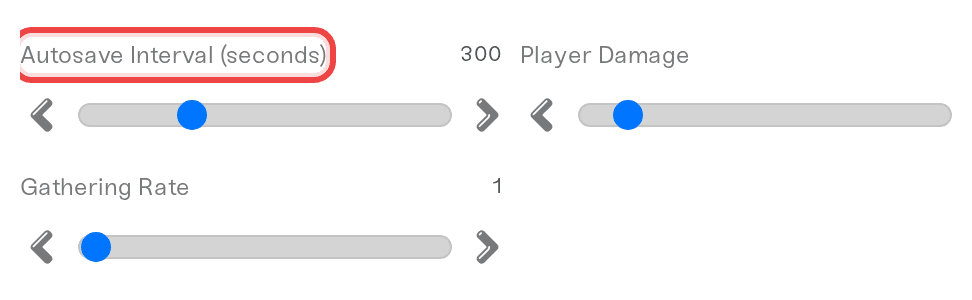
Voyagers of Nera writes your world to disk on its own autosave timer, every 300 seconds unless you change Autosave Interval (seconds). The game does not…
Voyagers of Nera writes your world to disk on its own autosave timer, every 300 seconds unless you change Autosave Interval (seconds). The game does not save as it shuts down, so Haptic waits for its next autosave before a Wake & Play sleep or an automatic restart. Before you stop or restart the server yourself, let an autosave happen if you want to be sure your latest play is kept. You can restore any backup from the Backups card.
The game saves the world on its autosave timer and at no other time; that is how the game is built. You can change the timer: Autosave Interval (seconds) on the Details tab of the Overview card takes anything from 60 to 900 seconds. A shorter interval keeps the saved world closer to the moment you are playing in.
When the server goes down on its own, Haptic waits for the latest play to be saved first: a Wake & Play server that empties waits for the game's next autosave before it goes to sleep, and an automatic restart (Auto Restart or a game update) does the same.
When you stop or restart the server yourself and someone has played since the last autosave, Haptic now waits for the game's next save before the server shuts down, so that play is kept. The safe habit is still to stop or restart just after an autosave. To see when the world last saved, open the Console and look for the newest line ending in Writing adventure blackboard data:. The game prints one each time it saves, so if that line is recent, the saved world is up to date.
Each world is a folder in nera-saved/PersistedData, named with a 32-character id. Inside are SaveManifest.json and two folders, Green and Blue, which the game writes in turn at each autosave. The server's two settings files are beside the worlds in nera-saved/PersistedData/CustomConfig. You can see all of them on the Files card or over SFTP.
Open your Voyagers of Nera server and power it down.
Open the Backups card, pick the backup you want and restore it. A backup of the world as it is now is taken first, so a restore can be undone.
Start the server again. The game makes a new invite code at every start, so send the new one from your server card.
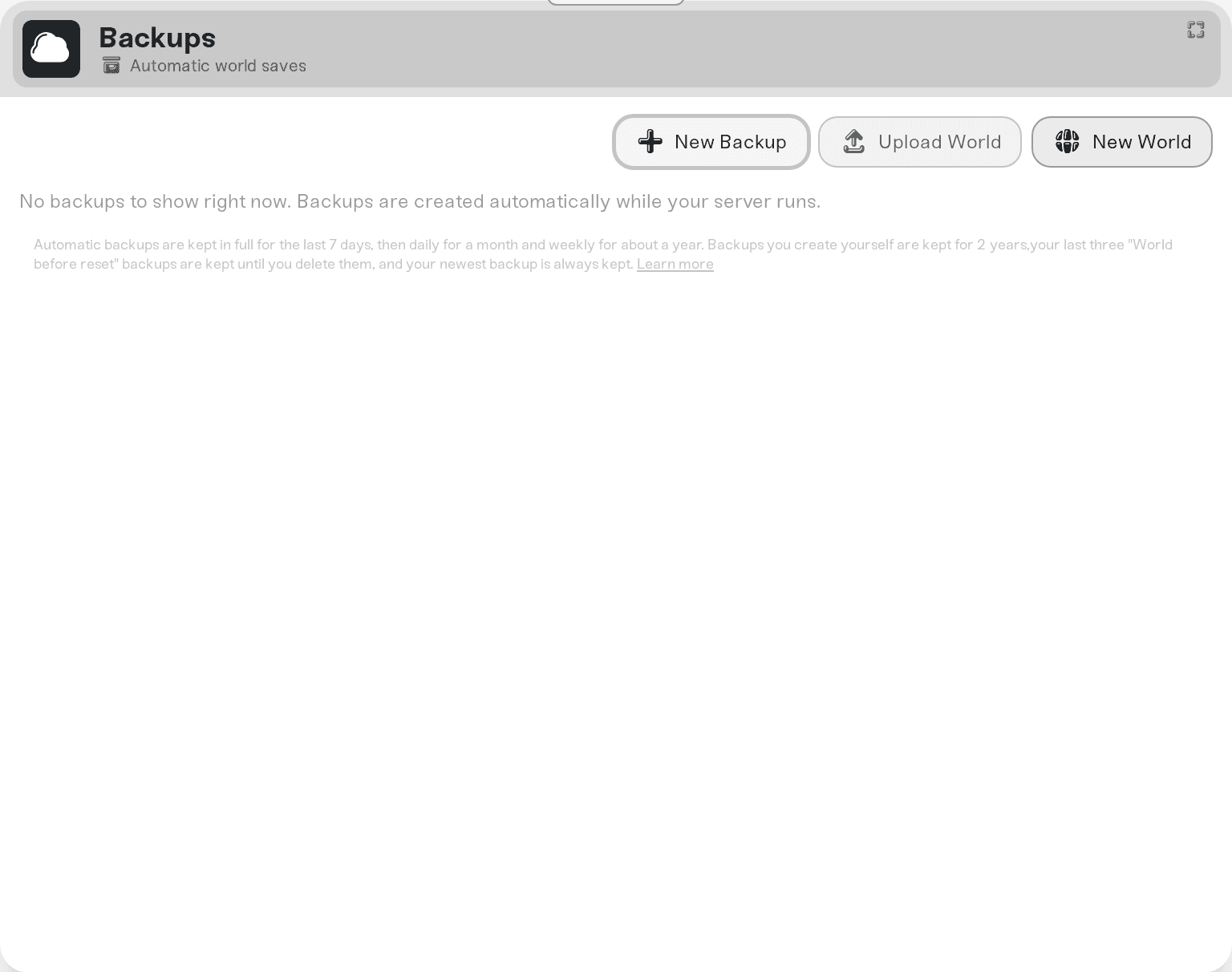
Each backup holds the world as the last autosave wrote it.
Press New World on the Backups card. Haptic saves your current world as a backup, deletes the world folders and keeps your server's settings, and the next start makes a fresh world.
Ask in Discord or email support@haptic.gg with your server's name and roughly when the progress went missing.
 © Haptic, LLC
*40% off applies automatically at checkout for your first month. Ends November 22, 2026.